

How Podgrove works
Podgrove runs your existing Docker Compose project on Kubernetes. Your files and Compose client stay on your laptop; each worktree gets its own remote Docker engine and persistent disk.
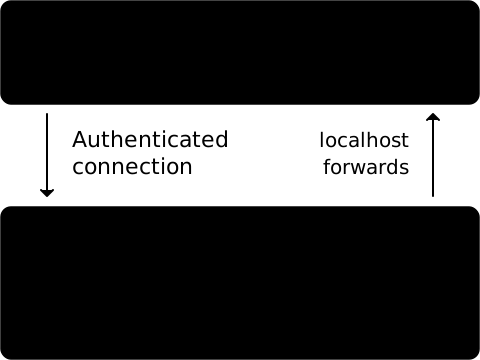
What runs where
Section titled “What runs where”Compose still manages your application’s containers, networks, volumes and dependencies. Podgrove supplies the remote engine, file sync and connections. It does not turn each Compose service into a Kubernetes Deployment.
Many worktrees can share one configured namespace, each with a separate engine and disk. Alternatively, use a prepared namespace per worktree. The cluster context and namespace come from podgrove.yml; namespace setup is an administrator step.
What happens on startup
Section titled “What happens on startup”When you run podgrove up, Podgrove:
- Validates your Compose configuration, namespace access and ownership.
- Creates or reuses the worktree’s engine and persistent volume claim (PVC).
- Copies bind-mount sources and file-backed configs and secrets before starting services.
- Runs Compose build/up and opens local ports for your browser or tests.
A partial application failure keeps diagnostics and connections to running services available. After fixing a missing local file, run up again; up --refresh explicitly reruns startup.
Files and storage
Section titled “Files and storage”Changes to bind-mounted files sync to the engine; remote edits are not copied back. Code baked into an image needs Compose watch rules or a refresh. Applications still need their own reload support.
The PVC stores Docker data, named volumes and mirrored files. Engine Pod replacement and up --refresh retain that disk.
Isolation and cleanup
Section titled “Isolation and cleanup”Separate engines, resource limits and network policies separate ordinary worktree activity. The Docker engine is privileged and shares its node’s kernel, so this is not a security boundary for hostile workloads.
Pod-to-Pod traffic is disabled by default. Choose network.pod_to_pod: selected for explicit server/client rules, or open for all ports between Podgrove-managed Pods in the same namespace (plus any listed in network.namespaces). Selected links require matching declarations in selected mode at both endpoints. Networking examples.
podgrove down removes the worktree’s engine and PVC, including its stored data. It retains the namespace and administrator-installed setup.
For ownership checks, transport protocols and recovery limits, read Architecture and implementation. To set up your first environment, see Getting started.